Read Time29 Second
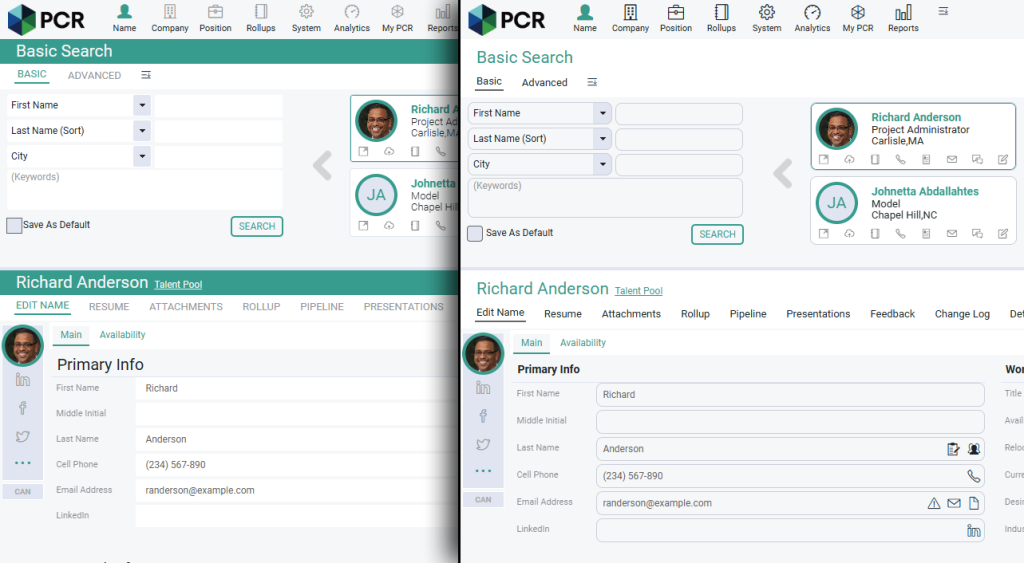 The Rounded Look (right) offers a softer and less bold look than Classic (left). Shown here with the ‘Light’ theme, it can also be combined with any other color scheme offered in PCR.
Changing the Setting
The Rounded Look is now on by default. If you’d prefer to revert to the Classic styling, the change is simple to make:
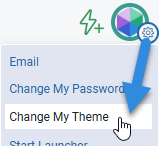
Click the gear icon at the top right corner of your PCR screen. Select Change My Theme from the menu. Choose Classic Look from the Classic/Rounded Look dropdown menu at the top of the popup. If